

A warm welcome,
a fair turn for everyone.
Clients check themselves in on a tablet at the door. The waiting list and the turn queue send every walk-in to the right technician, in order.
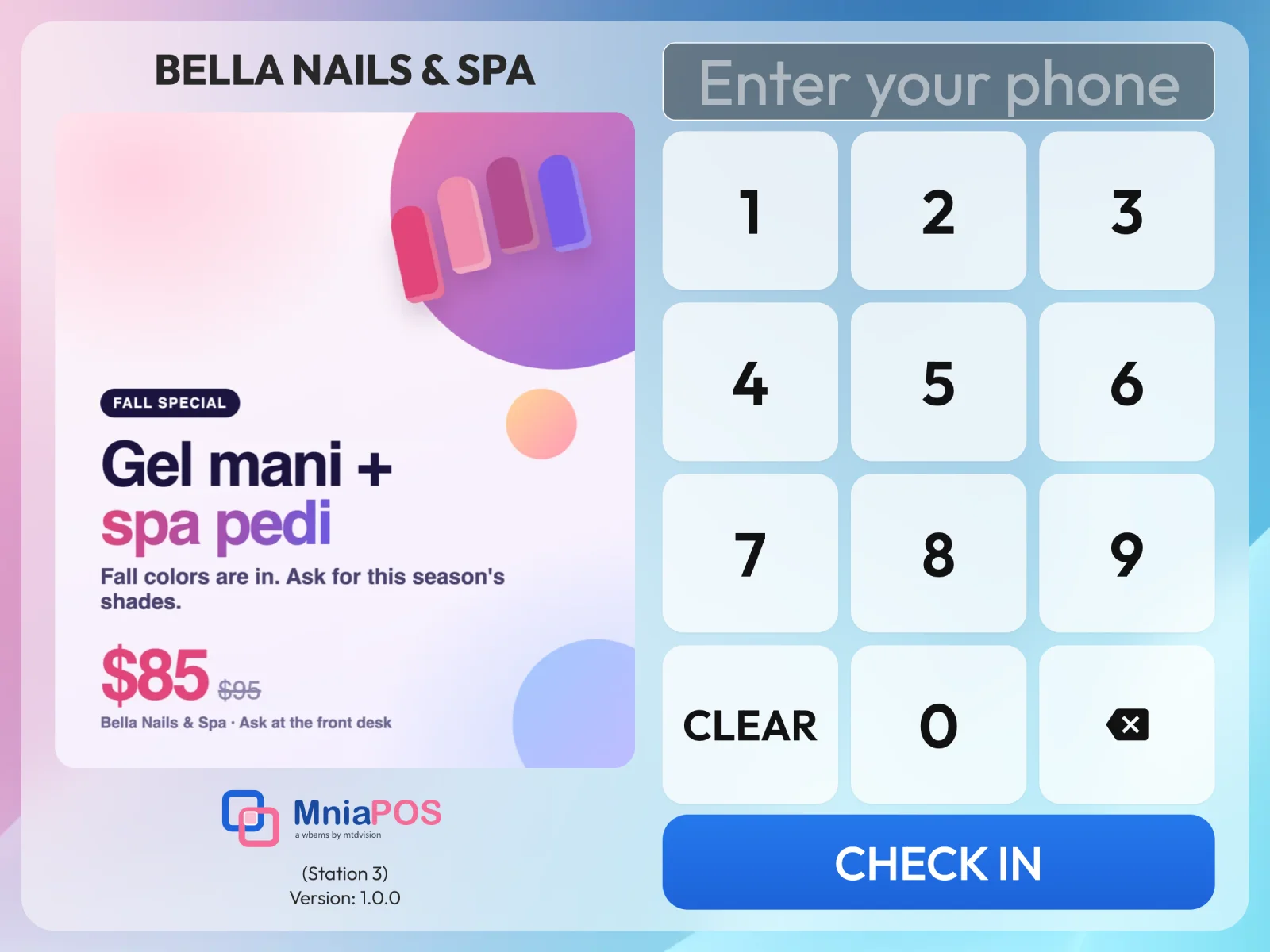
Clients check in while you finish a set
A returning client finds themselves by phone number; a new one signs up in seconds. They pick services and, if they like, a technician who is working today.
- Today's appointment confirmed at check-in, online bookings too
- Loyalty points and a birthday greeting
- Service waivers signed on the tablet
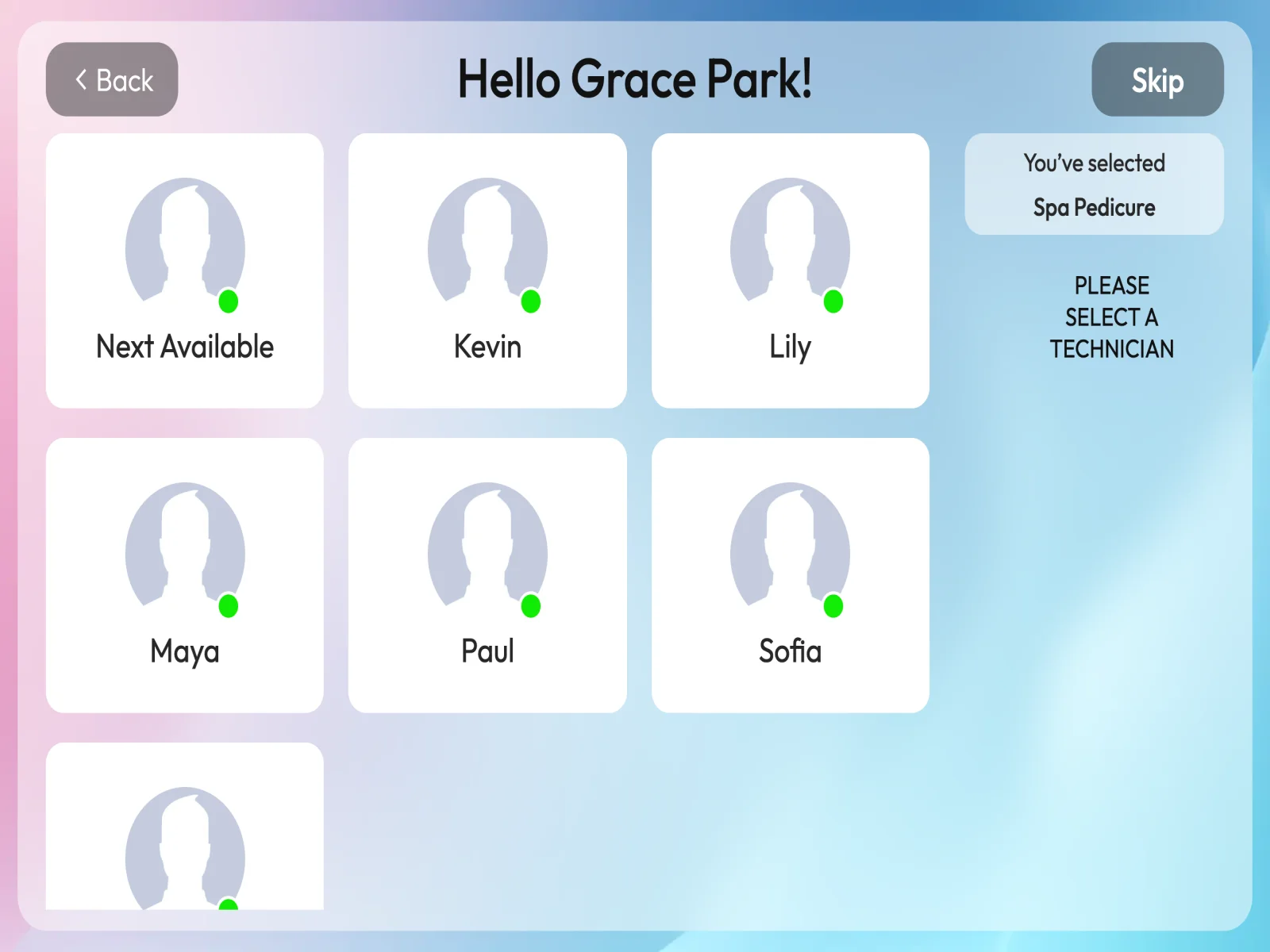
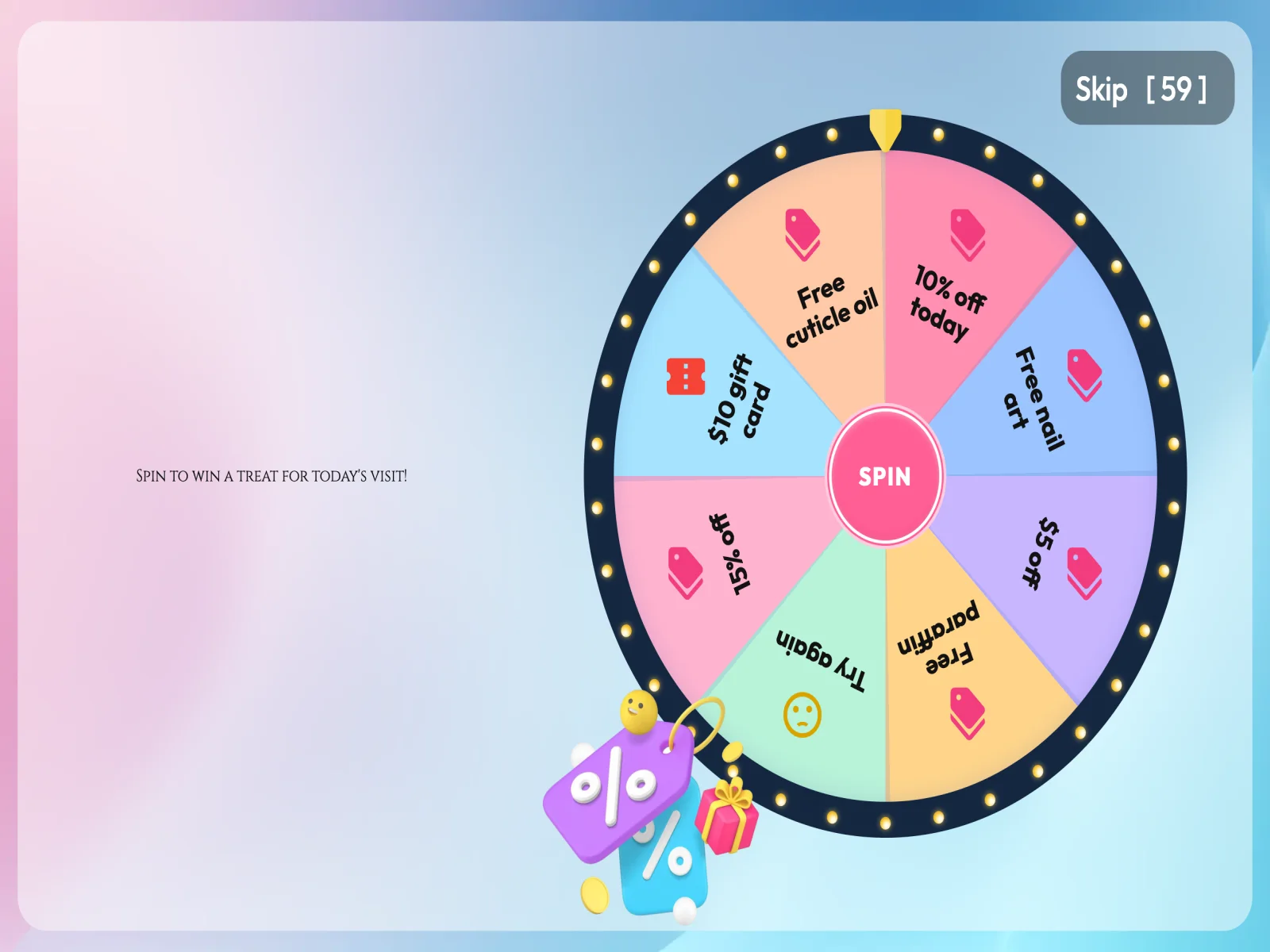
A little fun at the door
Turn on the Wheel of Fortune and clients spin for a prize when they check in. The prize waits on their ticket at the register.
- Prizes you choose in your back office
- Applied by the register, not by hand
- Your photos as a slideshow between clients
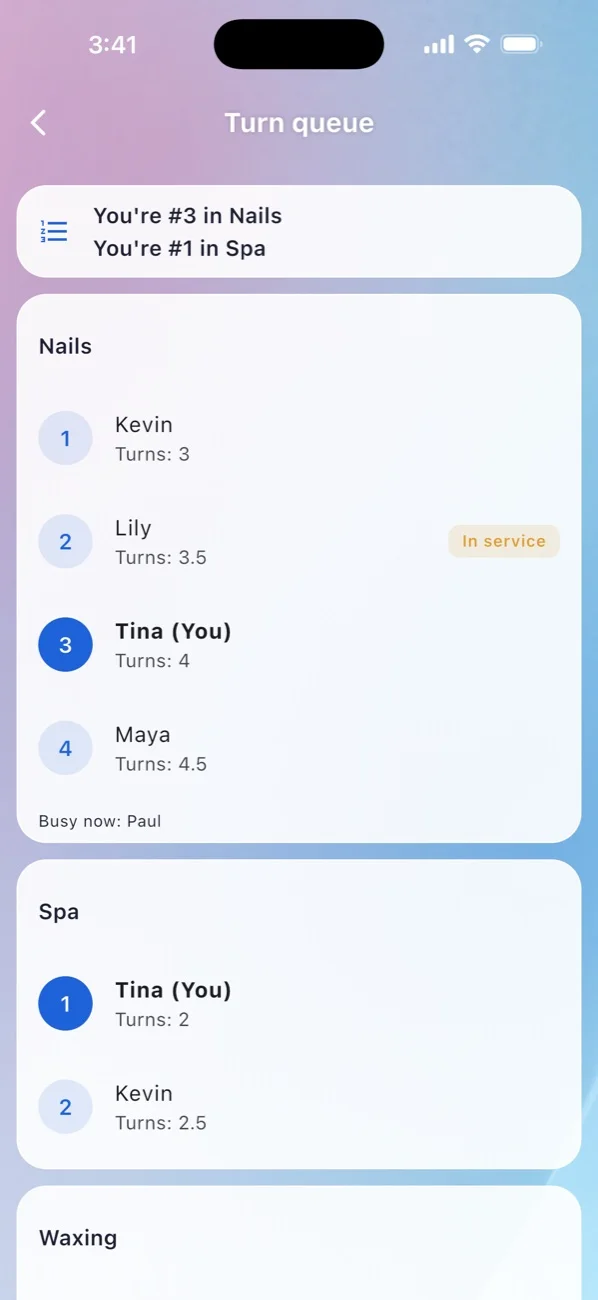
Turns your team can trust
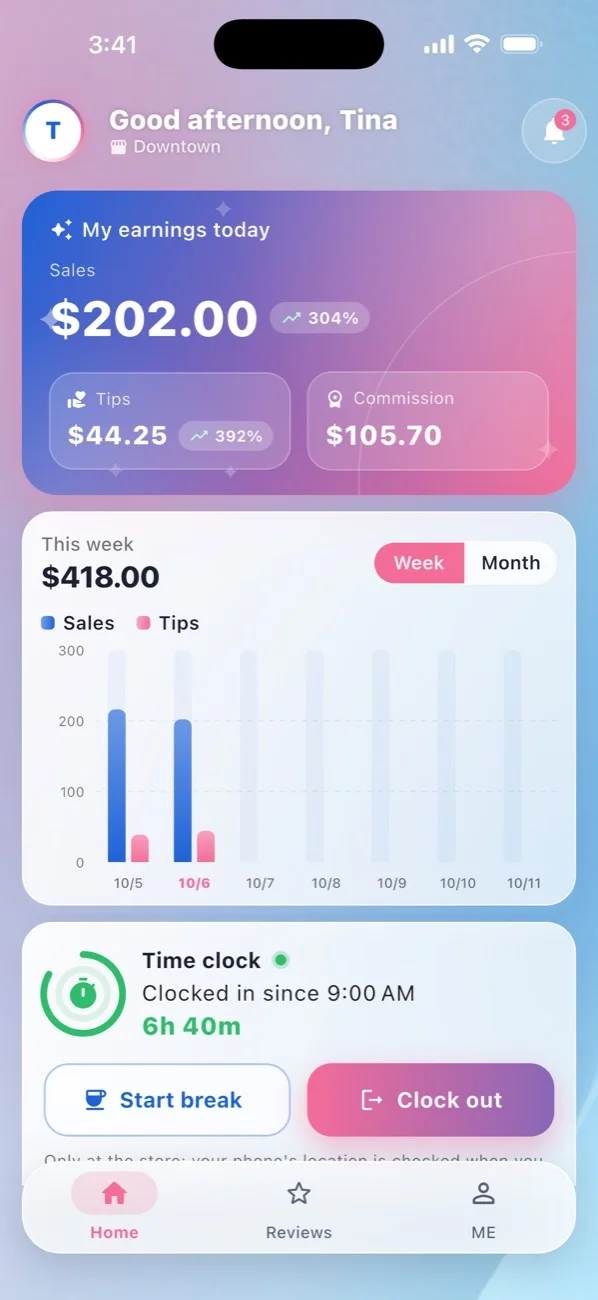
Queue groups for nails, spa or waxing, turn levels for services that count more or less, manual and "go again" turns, and the details of every turn, on the main screen and on every technician's phone.
- Only technicians clocked in today
- Busy technicians wait their turn automatically
- The queue live in MniaPOS Hub
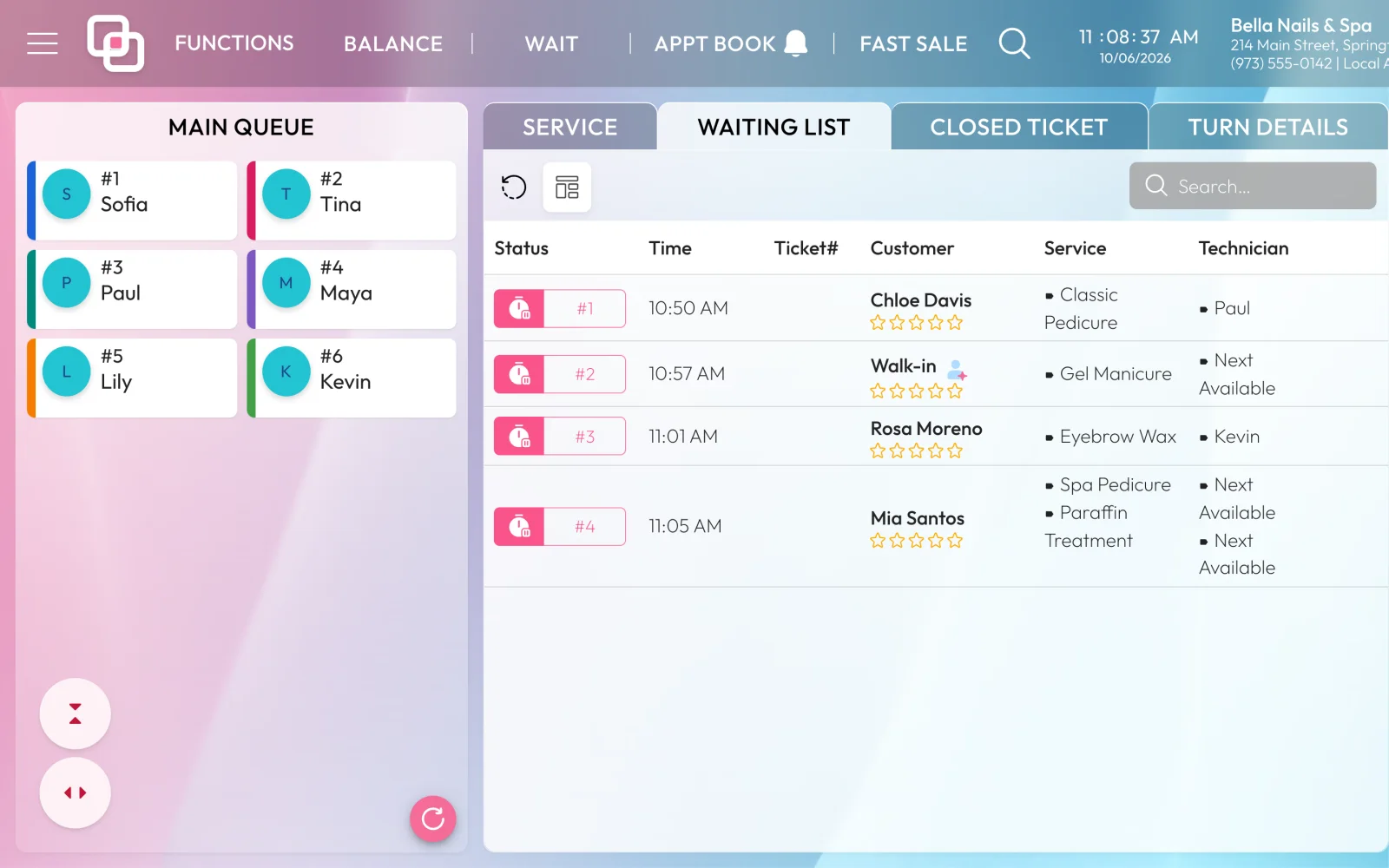
Everyone waiting, in one place.
Check-ins, walk-ins and appointments arriving now line up on the main screen with how long they have waited and what they came for.
About check-in and turns.
What tablet do I need for check-in?
An Android tablet (Android 7 or newer) with the MniaPOS Check-in app, on your store network. It can also print a slip on a USB receipt printer.
Where do I change what the kiosk shows?
In your back office: the services offered, whether clients can pick a technician, waivers, the Wheel of Fortune and the pictures.
How are turns counted?
Each service counts by its turn level, technicians are grouped by what they do, and the front desk can add a manual turn or a "go again" turn. Every turn is on record.
Make the door the best part of the visit
A welcome kiosk and a fair turn queue, working together with your front desk.
Powered by WBAMS